Guide to install LibreMesh
I am an inexperienced individual trying to experiment with building a mesh network, starting from hacking routing devices.
I am a designer and, first of all, I am currently a student, meaning my interest is to learn and gain knowledge.
I have no previous expertise in what I am reporting here, meaning that everything I know came from research.
My objective is to try to provide a different kind of guide, one that can hopefully help you follow my steps, while also making clear that this is something that can be done with care and effort by anyone.
Definition 1
What is a Framework?
In software, frameworks are ready-made structures that allow us to have a foundation from which we can start our work instead of building from scratch. In the case of LibreMesh, it provides all the functionality needed to enable a distributed form of networking. In some sense, it's like having a box of tools at your disposal to make a mesh network.
Definition 2
What is LibreMesh?
LibreMesh is a modular framework for creating OpenWrt-based firmwares for wireless mesh nodes. It aims at enabling non-expert users to set up a mesh network and perform basic configuration and management via a web interface and to encourage non-expert users to empower themselves deepening their technical understanding of mesh networks.
On the Guide
How did I install LibreMesh?
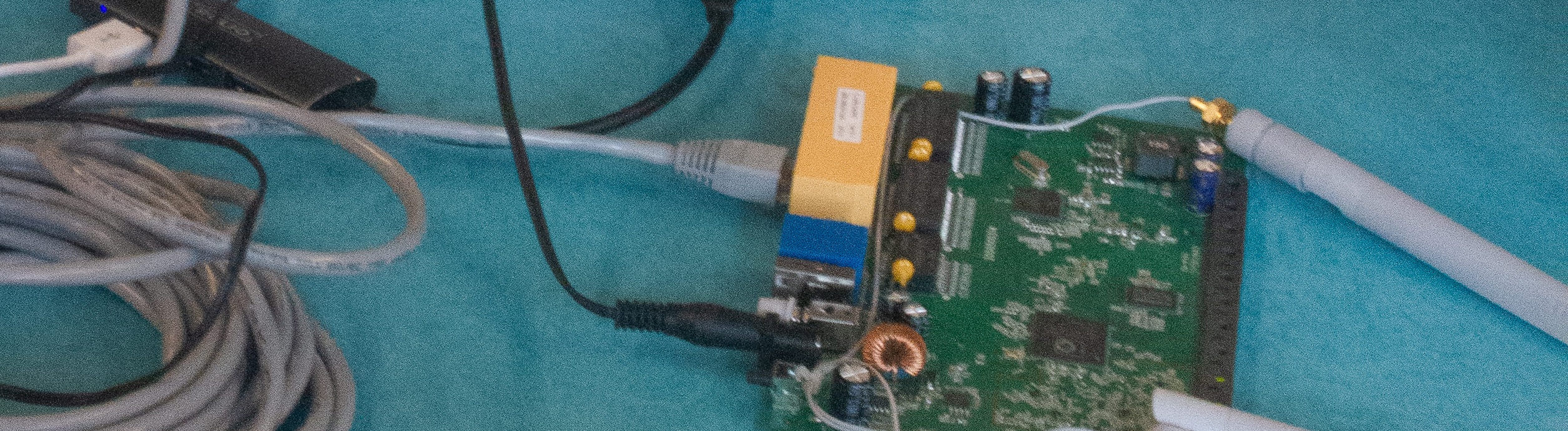
Below I'm reporting my second experience in installing LibreMesh on a routing device that in this case is a TP-Link TL-WDR4300 (I’m working on a MacOS).
01
Check device compatibility
After many attempts I found out that there is a much easier way to check device compatibility with the LibreMesh framework, in fact its team developed a
LibreMesh Firmware Selector.
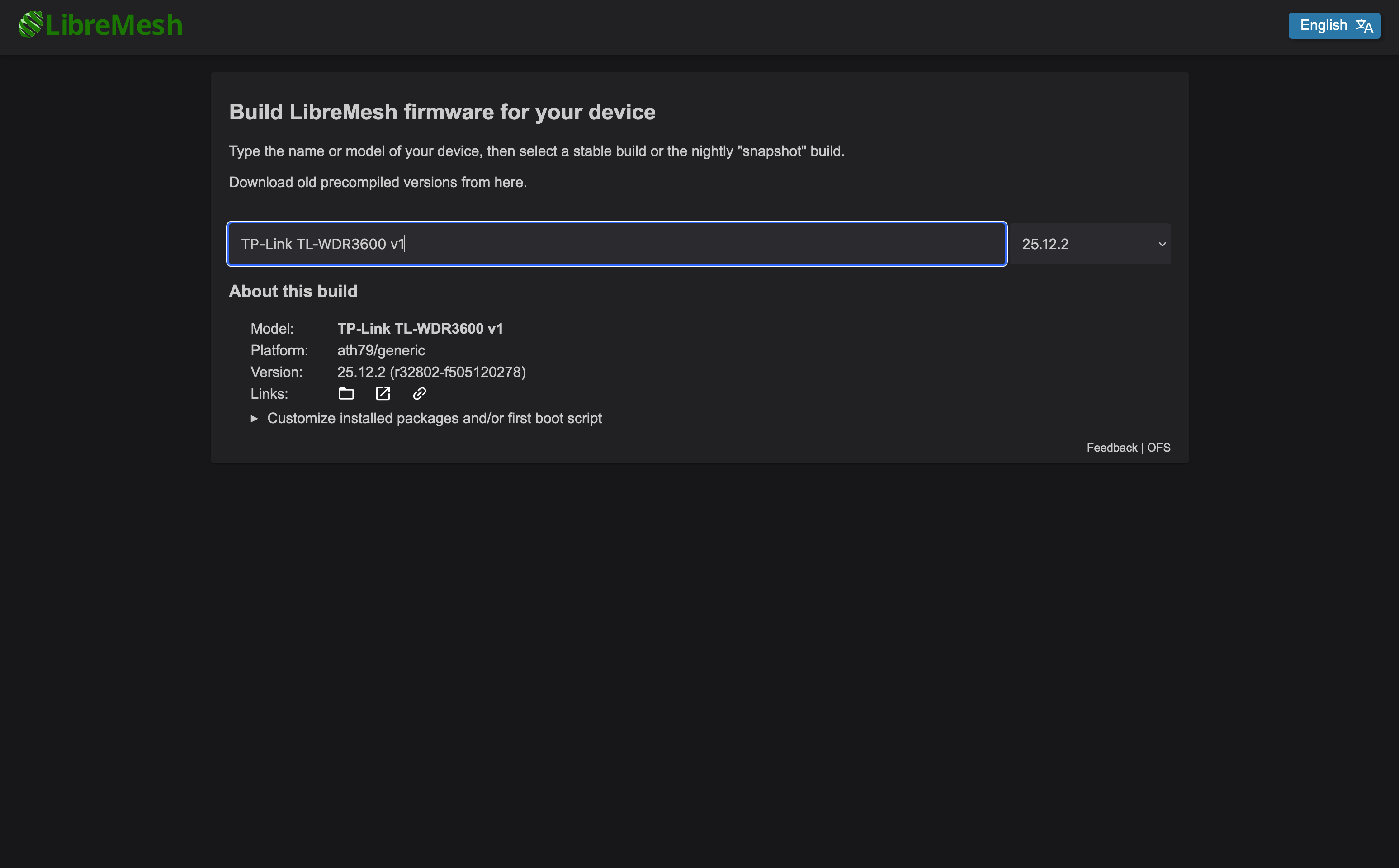
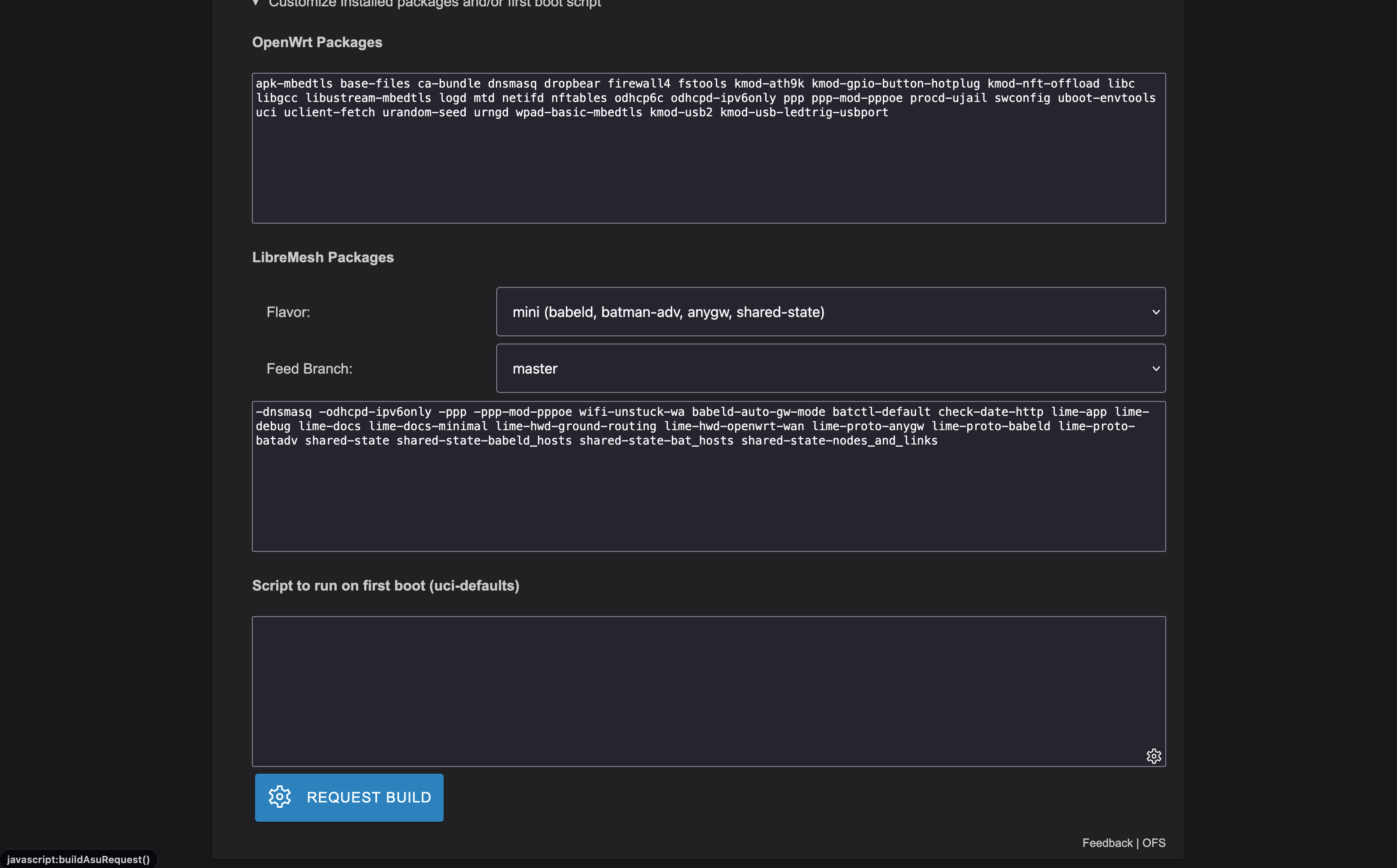
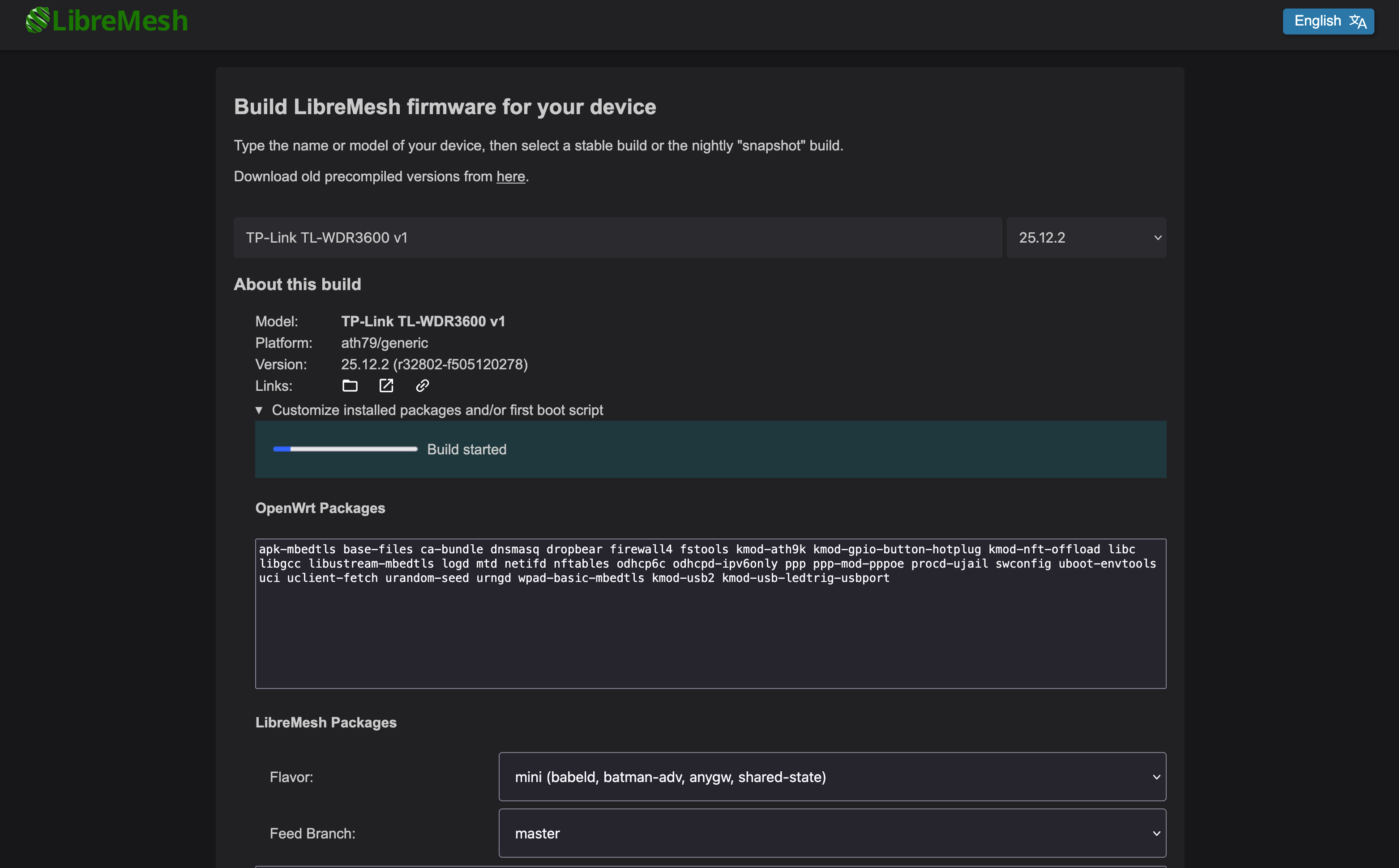
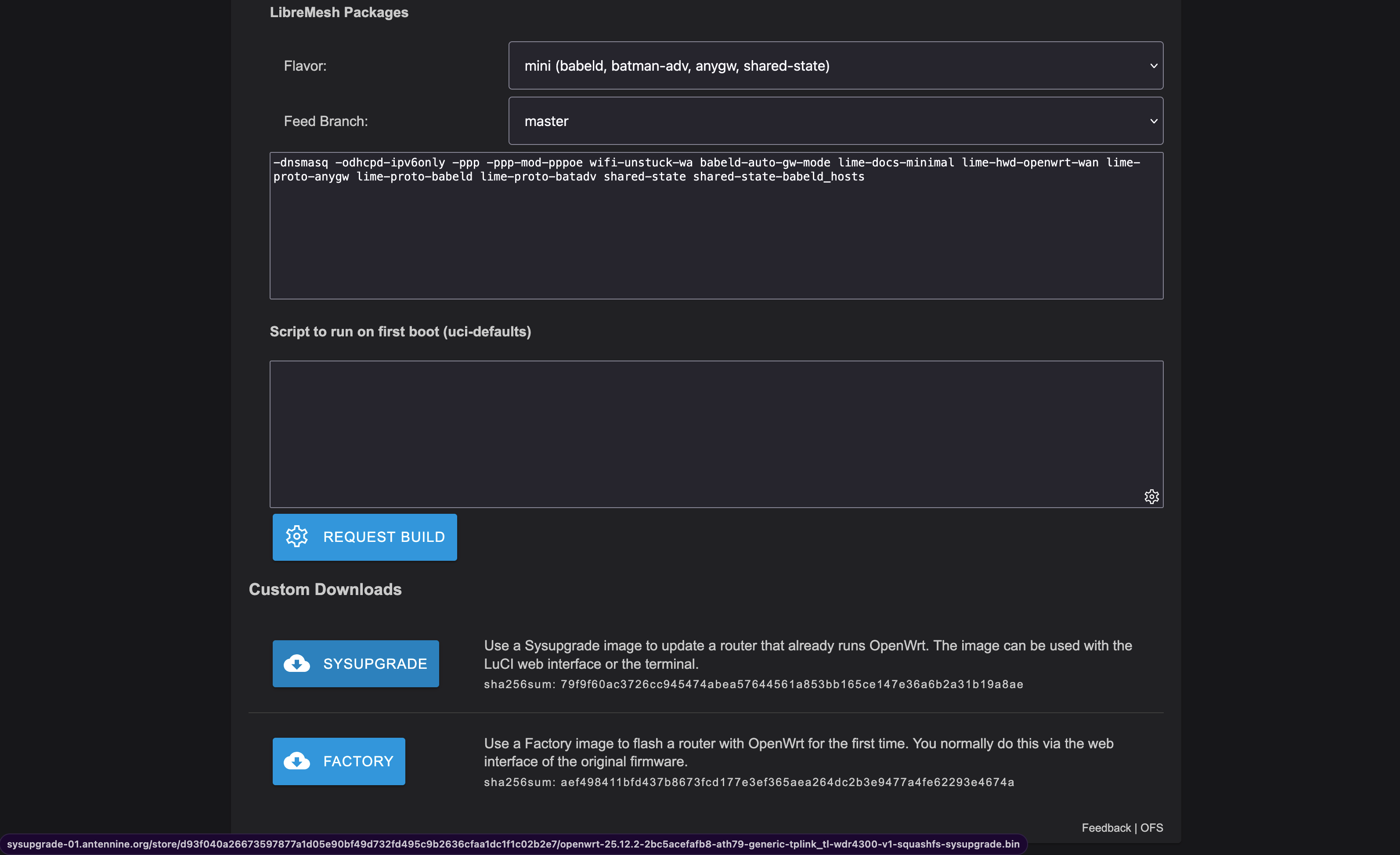
What I did was: I checked underneath my device the model number and version (usually written as something like TL-WDR4300 v1.0), then I went to the selector, I searched for my device and I checked if it was compatible with the framework. In my case, the TP-Link TL-WDR4300 v1.0 was compatible, so I could proceed by clicking "Customize Installed packages and/or first boot script". After, the page extended, here I could select many options but the main one to look at is "Flavor" which defines the size of the outcoming firmware; for instance, this is very useful as in my case a default size version of LibreMesh would have been too heavy for my device, so I had to switch to a mini. I got to find this out thanks to the interface as it tells you when the creation of a dedicated firmware is not possible. So I proceeded by clicking "request build" which led to a loading bar to appear. I waited for a while as the software is building a specific version ready to install in the specific moment you press the button. After a while the firmware was ready and all I needed to do was clicking on "Sysupgrade" and a download started.
02
Installing the Firmware
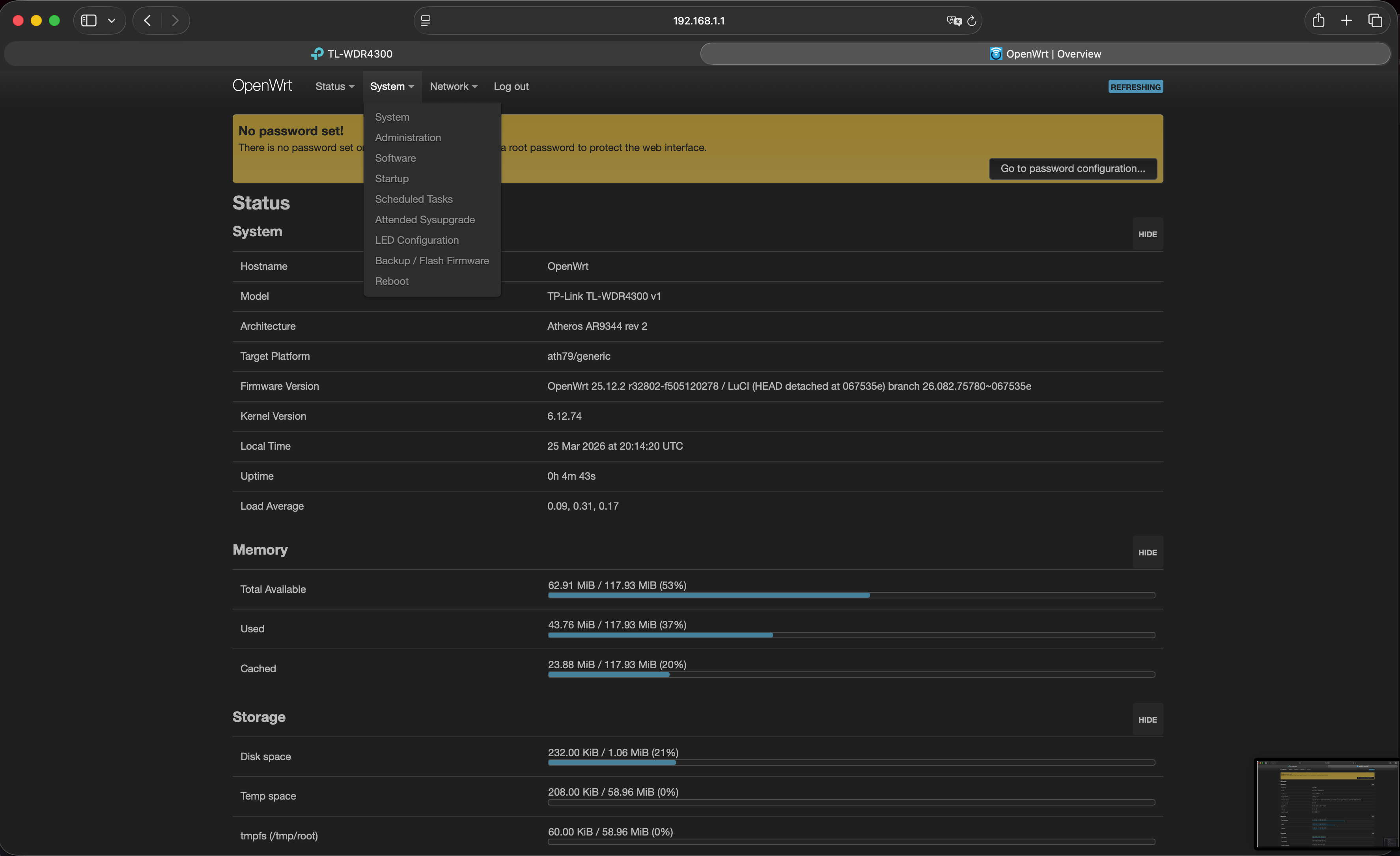
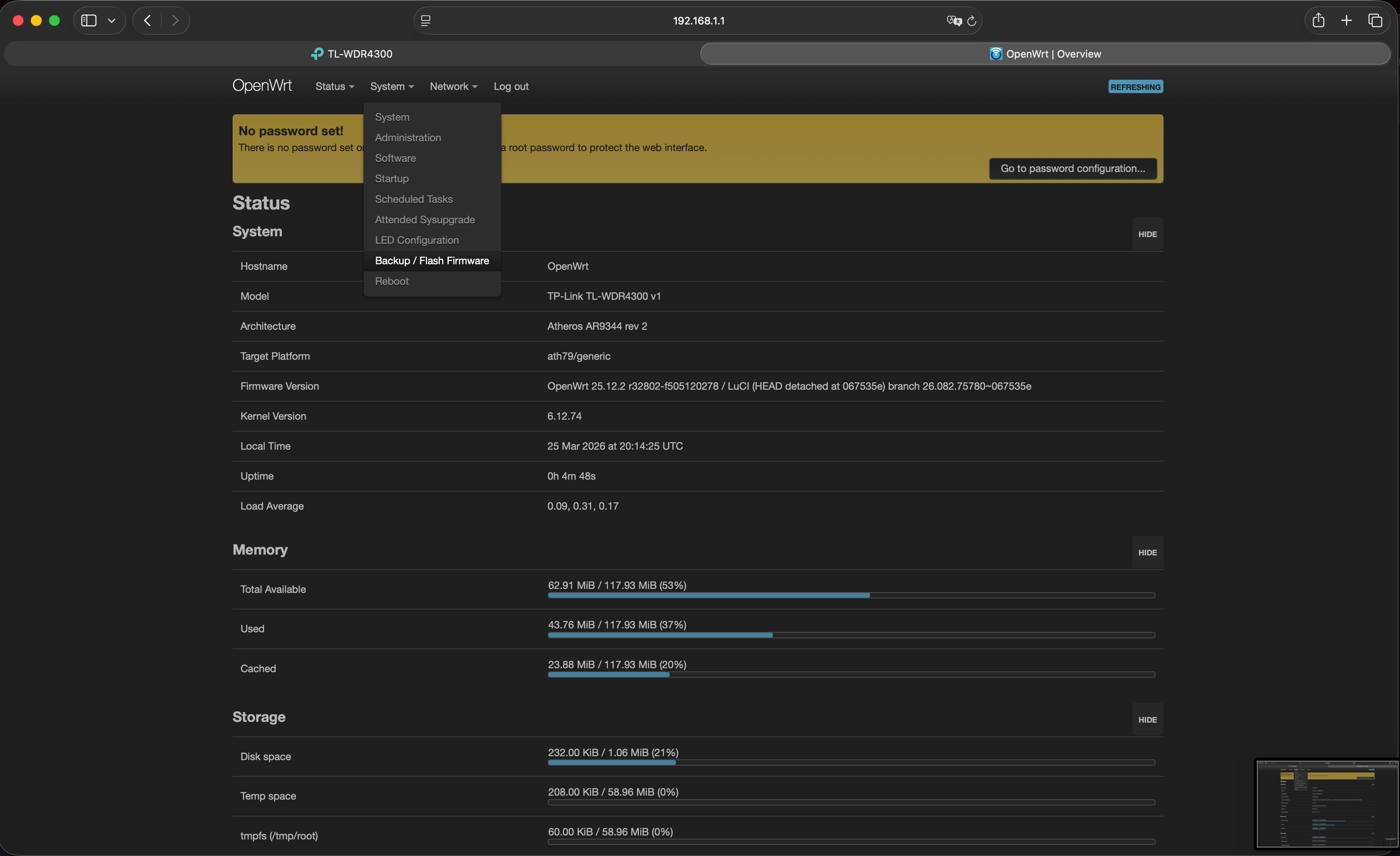
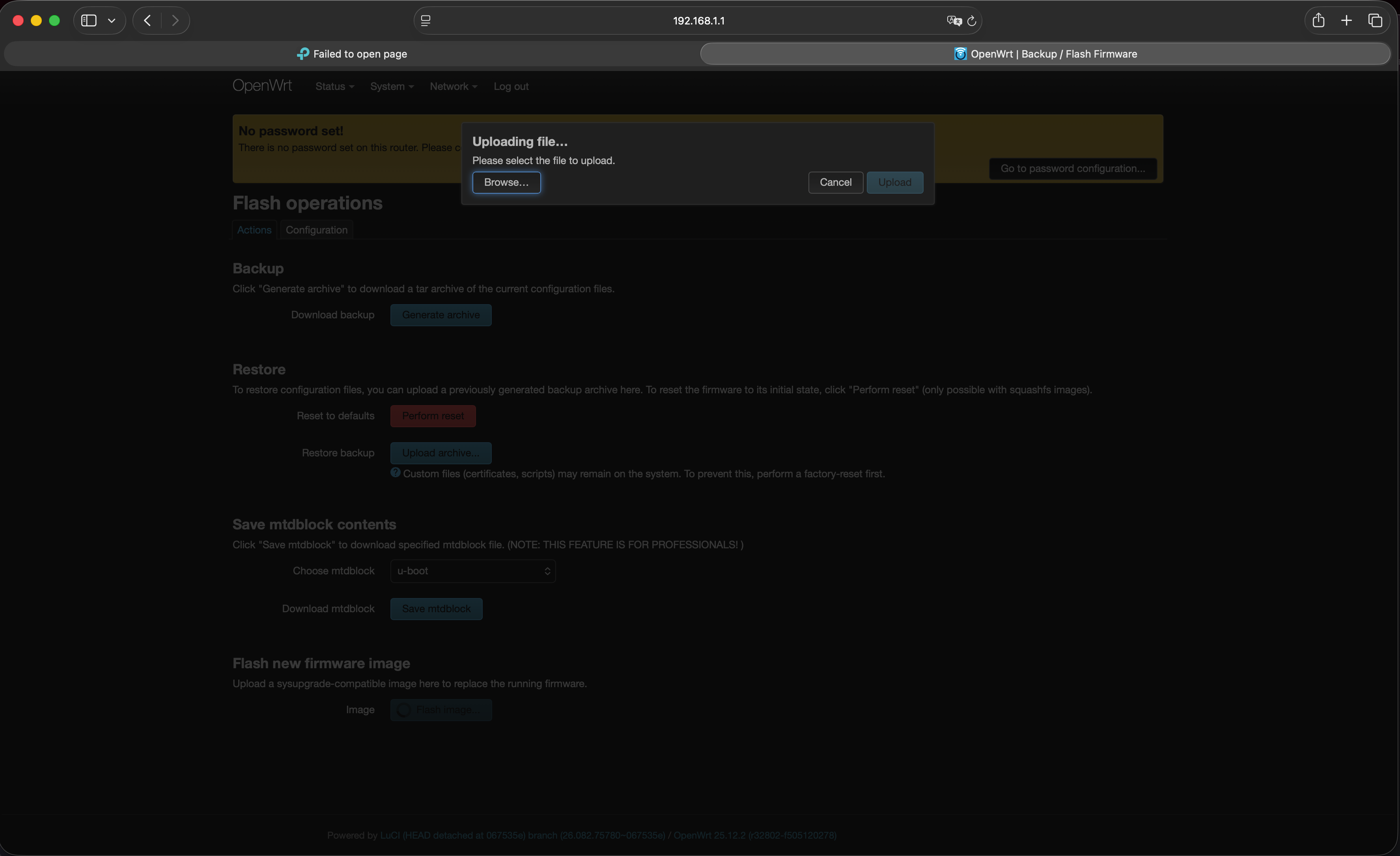
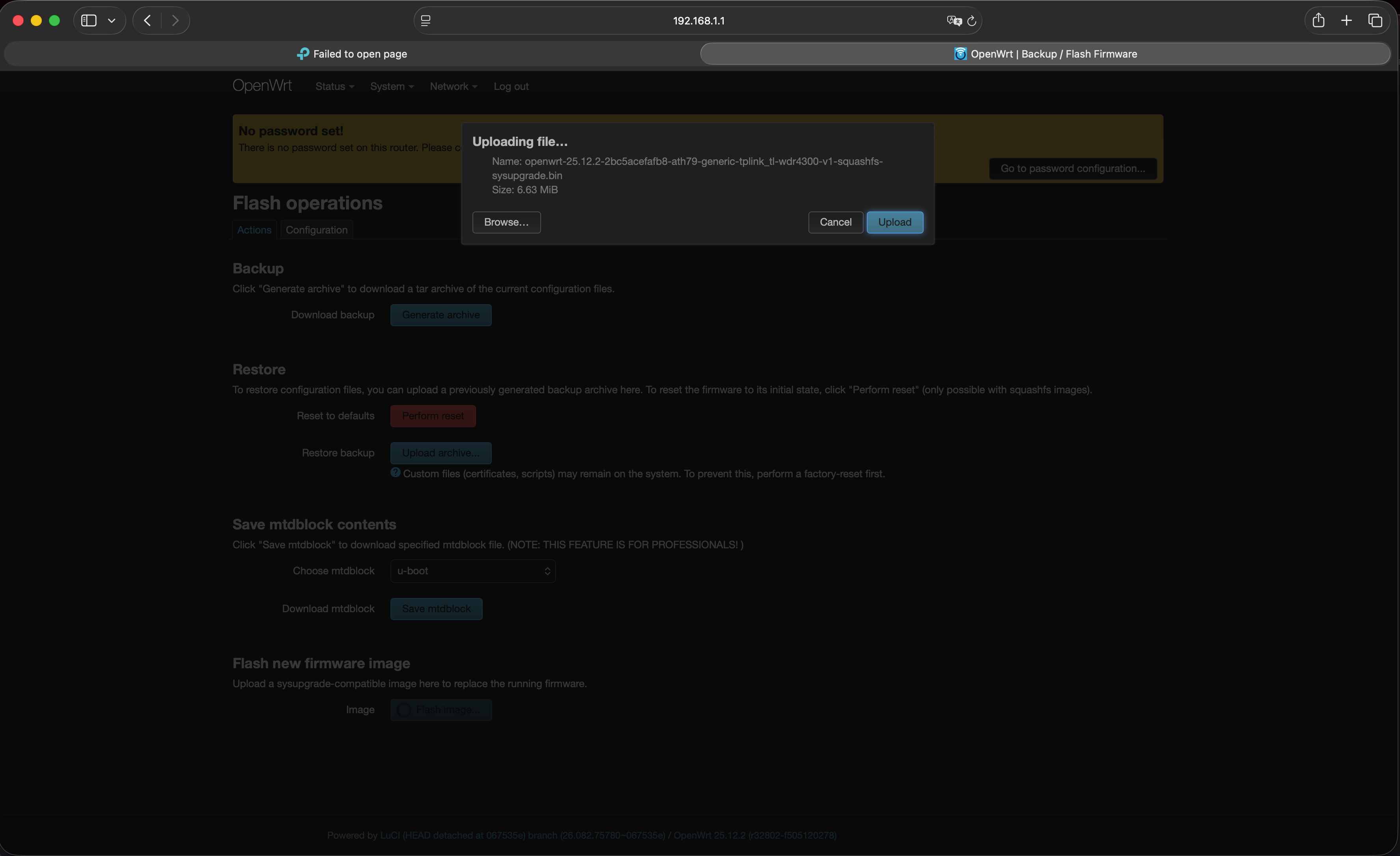
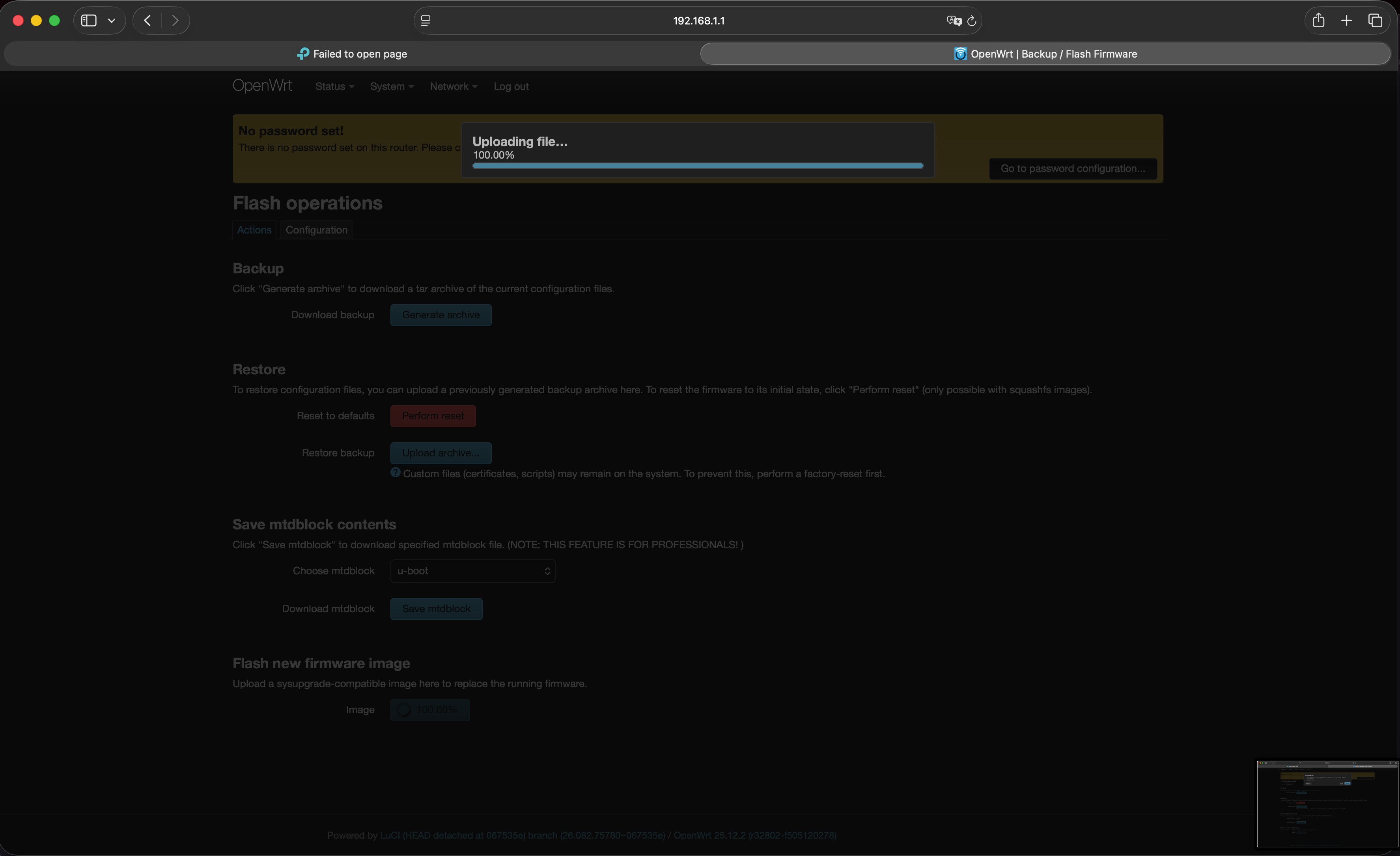
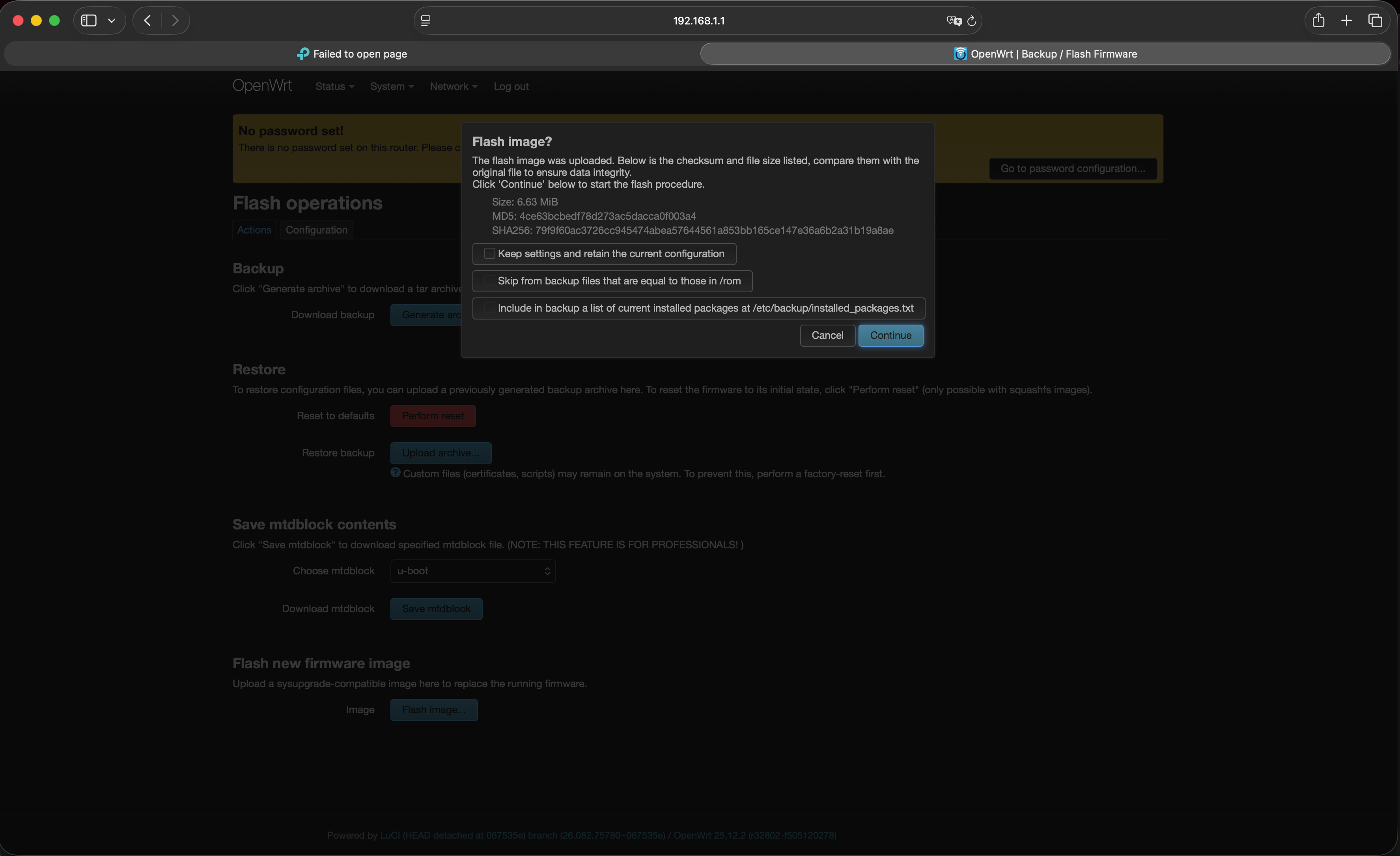
I connected my router to my laptop through an ethernet cable, then I accessed the router interface by typing on Safari http://192.168.1.1 (if this doesn't work for you the OpenWrt guide page on this platform offers you the solution). After logging in, I went to the top bar and clicked "System" and I selected "Backup/Flash Firmware" from the dropdown menu. Here I scrolled to "Flash to New Firmware Image" and clicked on "Flash Image". A pop up opened and after clicking "browse file" I selected the firmware I just downloaded from the LibreMesh Firmware Selector and then pressed upload. After this a new pop up opened asking to confirm the installation, I unchecked all the checkboxes and clicked "Continue".
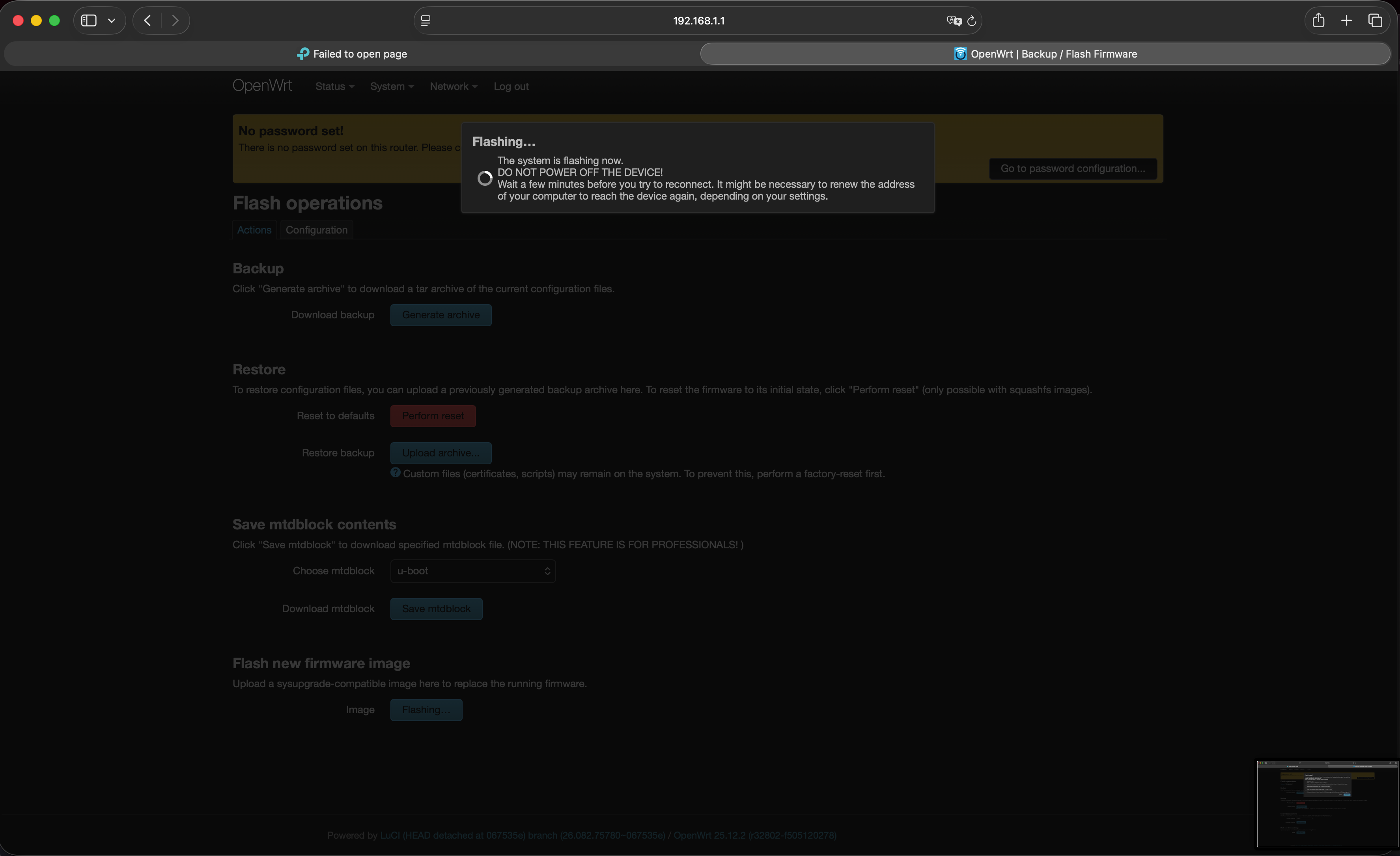
A new pop up signaled the installation by saying "Flashing..." I waited for around 10 minutes as I was anxious the installation wouldn't work.
03
Checking the Installation
In my case the interface never really told me that the installation was complete. However I got a confirmation after checking the nearby wi-fi connection point and noticed a LibreMesh connection point. Here I connected to that access point and browsed on Safari "http://thisnode.info" to then find that a very raw information page opened. As this was a mini version of the firmware no interface popped up, however the device still successfully turned into a mesh node.